The one-minute version
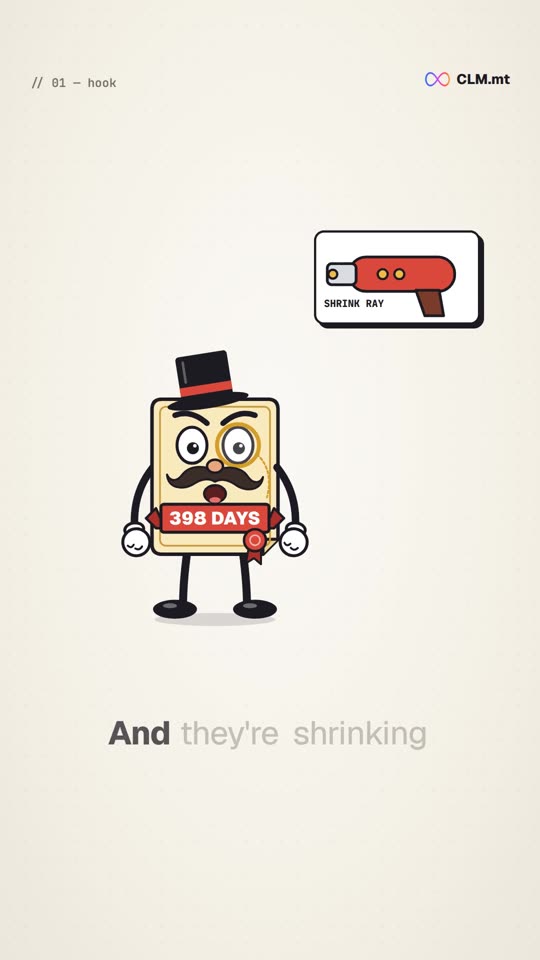
Public TLS certificates used to last up to 398 days. The CA/Browser Forum, where certificate authorities and browser makers set the rules, passed ballot SC-081v3 in April 2025. It cuts the maximum lifetime in three steps:
| From | Maximum certificate lifetime | Domain validation reuse |
|---|---|---|
| 15 March 2026 | 200 days | 200 days |
| 15 March 2027 | 100 days | 100 days |
| 15 March 2029 | 47 days | 10 days |
The first step has already happened. The full schedule, including the rules for OV and EV details, is in certificate lifetimes are falling to 200, 100 and 47 days.
Why lifetimes are getting shorter
If a private key is stolen, or a certificate is issued by mistake, the certificate stays usable until it expires. Revocation is meant to stop that, but browsers do not check it reliably. A shorter lifetime shrinks the window in which a bad certificate can do damage, and means the checks behind it are repeated more often.
What it means in practice
At 47 days, with a sensible safety margin, you renew each certificate roughly once a month. The arithmetic is simple:
- 10 certificates means about 120 renewals a year.
- 50 certificates means about 600.
- Every renewal also needs a deployment, a service reload and a check that the new certificate is the one actually being served.
Domain validation gets tighter too. From 2029, proof that you control a domain can only be reused for 10 days, so most renewals will need a fresh validation. In practice that means ACME with automated DNS or HTTP challenges, which we cover in automate certificate renewal with ACME.
What to do before March 2027
The next step, to 100 days, doubles the renewal count of anything still renewed by hand. A sensible order:
- Find every certificate, including the ones on load balancers, firewalls and appliances that nobody remembers. See discover every certificate on your network.
- Automate renewal through the CA you already use, wherever it supports ACME or an API.
- Automate deployment, so a renewed certificate does not sit unused on disk.
- Verify what is live, by asking the endpoint which certificate it serves.
That loop is what clm.mt automates. The quick answers to the questions we hear most are in the 47-day certificates FAQ, and you can watch the whole loop in the live demo.
To see how many renewals 47 days would mean for your own domain, run the free certificate health check.