Live demo
The real control plane, on a fictional estate.
Every screen here is the clm.mt portal itself, running against Harbour Logistics · a made-up company with four agents and the usual loose ends.
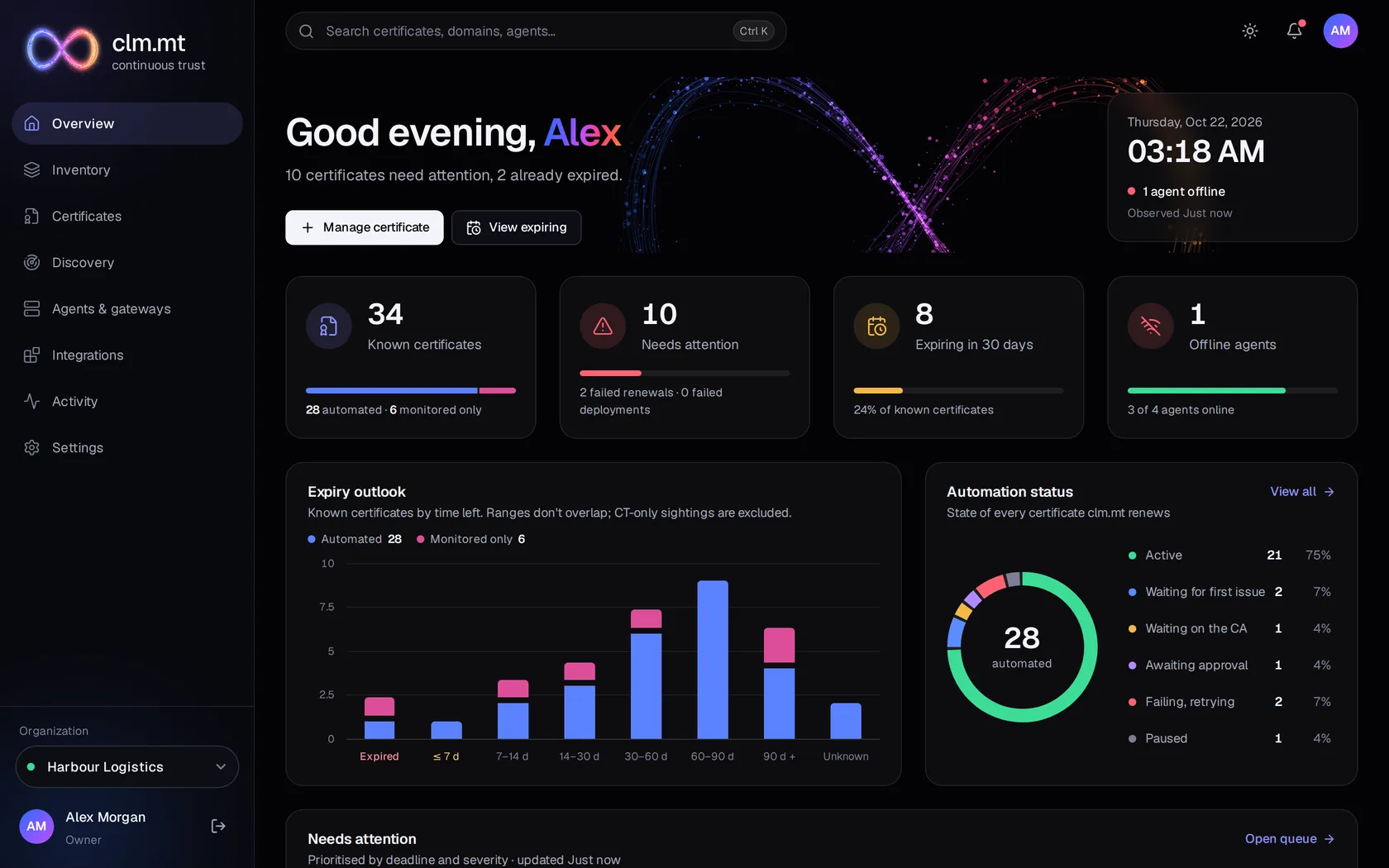
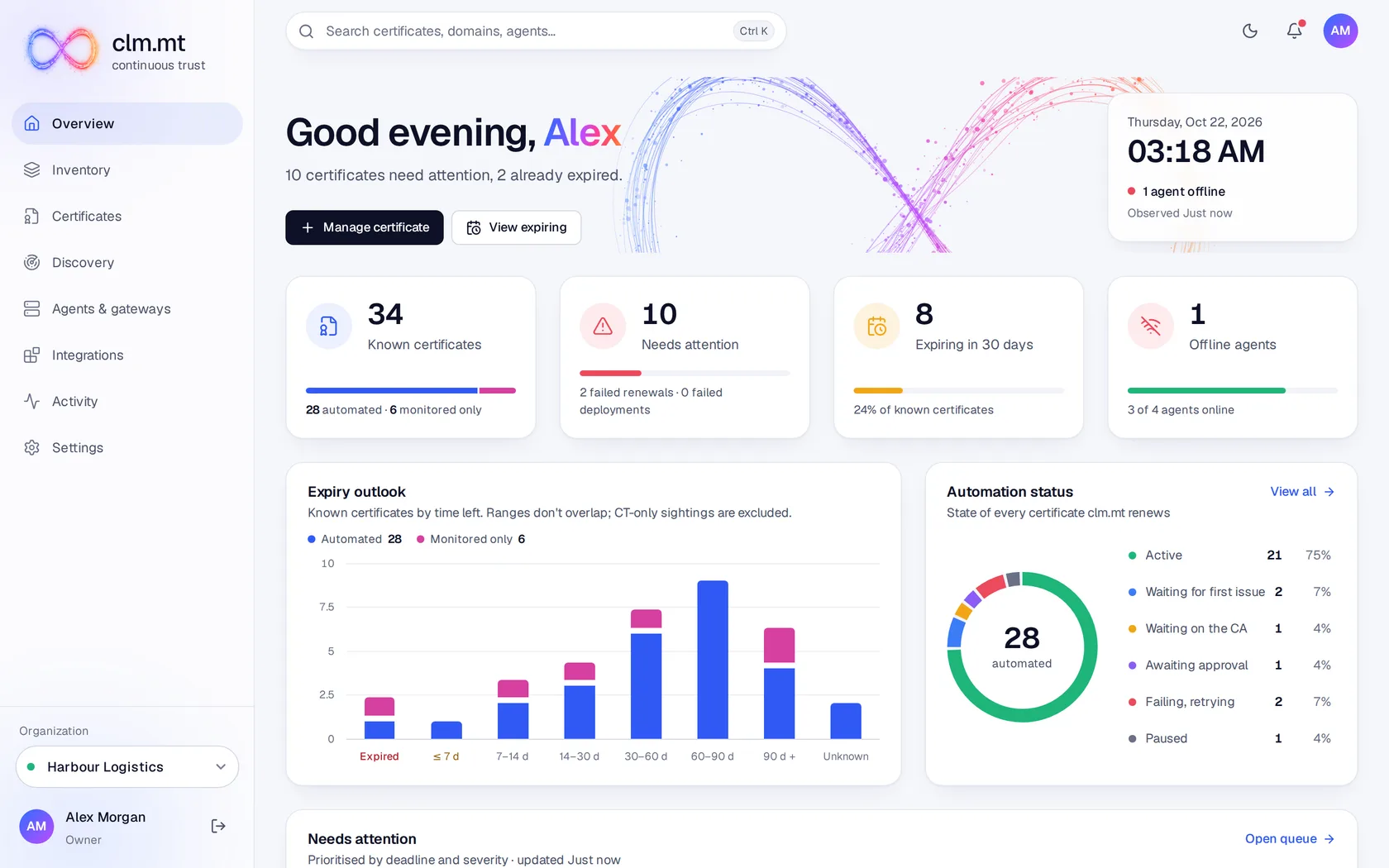
Overview · dark theme · 1440 × 900
01 · Overview
Start with what needs you.
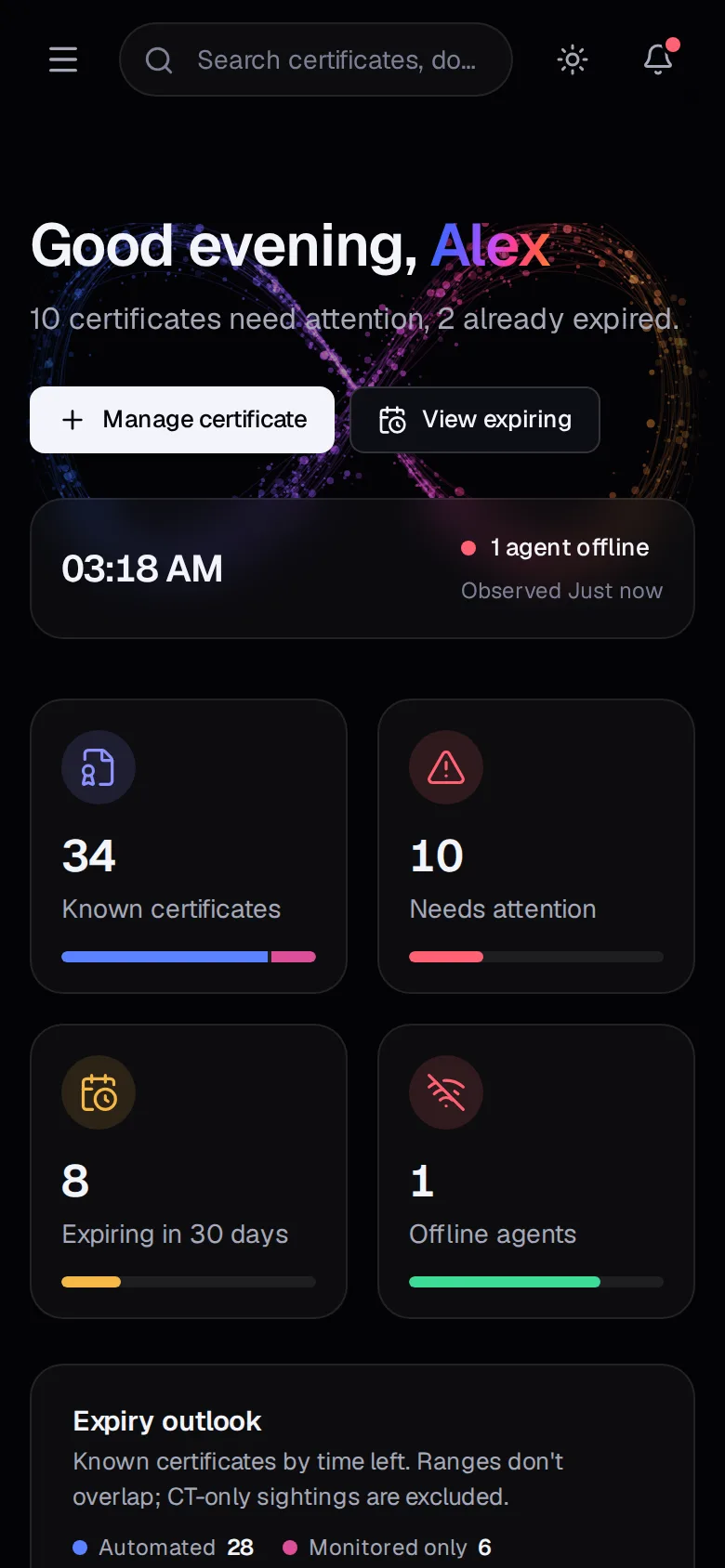
The attention queue lists each problem with its owner, its deadline and the step that failed. The expiry outlook separates certificates clm.mt renews from the ones it only watches.
- Every count opens the exact list behind it
- Unknown expiry is shown as unknown · never as zero
02 · Inventory
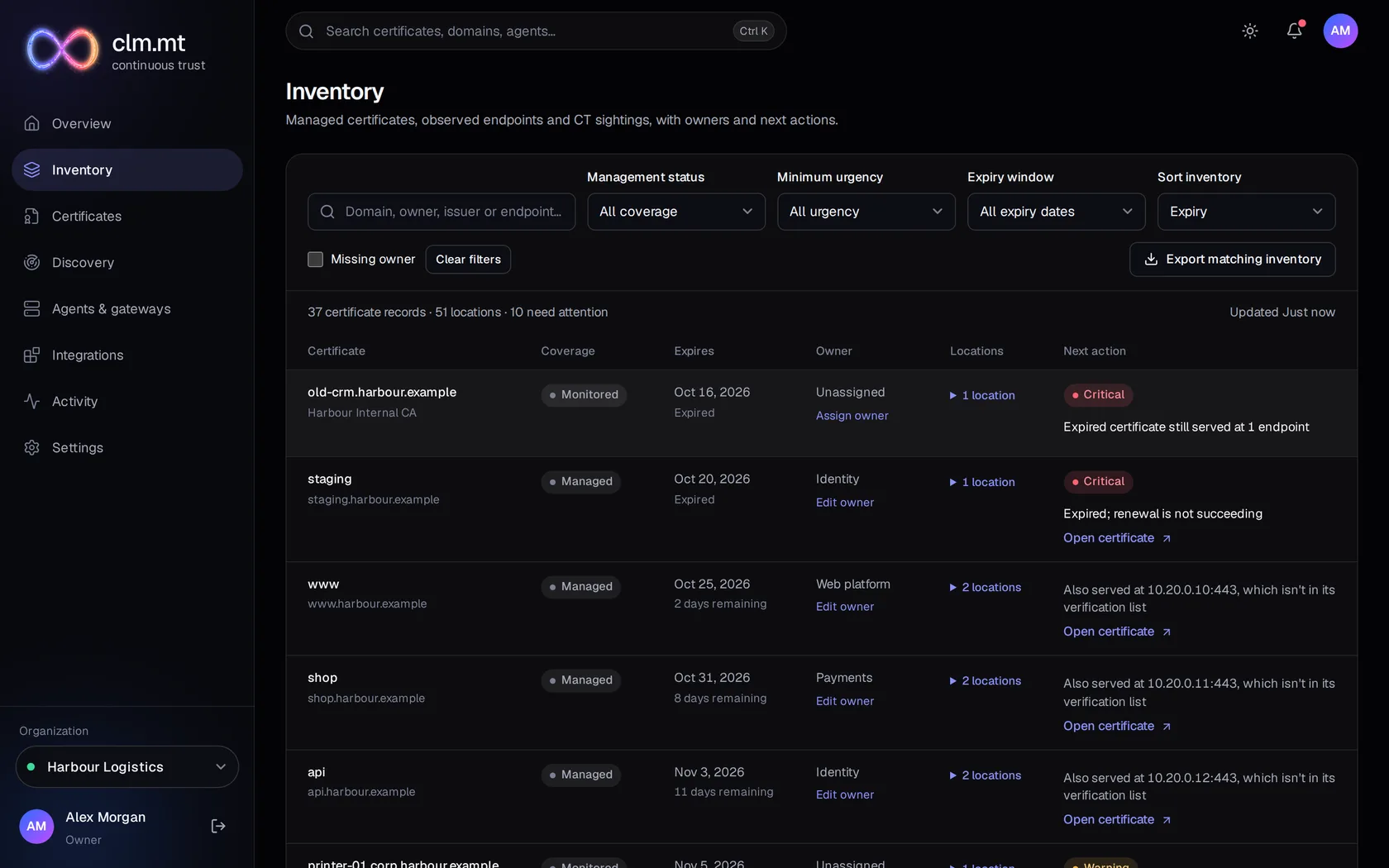
Every certificate, wherever it is served.
One list across managed certificates, scanned endpoints and cloud stores · with coverage, owner, locations and the next action for each.
- Filters live in the URL, so a view can be shared
- Shared certificates keep each owner and location
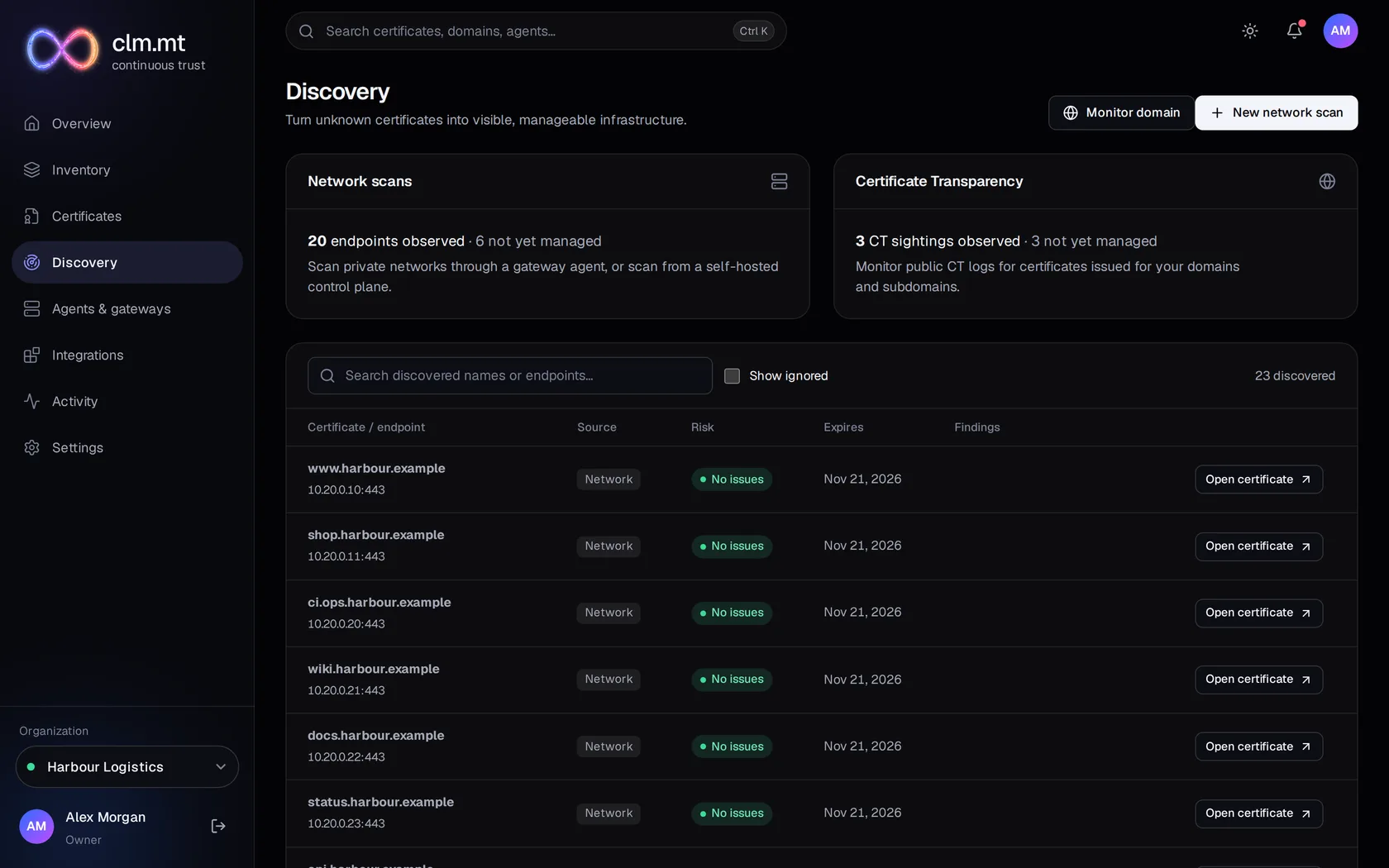
03 · Discovery
Find what nobody wrote down.
Network scans assess what each endpoint actually presents. Certificate Transparency shows what was issued for your domains. Anything worth keeping comes under management in one step.
- Expired, self-signed, weak-key and old-TLS findings
- CT sightings are labelled as not assessed
Fair warning
What the demo is · and isn’t.
Fictional estate
Harbour Logistics does not exist. Every domain ends in .example, no host is real and there are no private keys.
A product tour
This page shows screenshots. Browsing the tour sends no renewal to a certificate authority and deploys nothing to a server.
The real product
These screens come from the same build that runs the clm.mt control plane. Nothing on this page was drawn for marketing.
See how the pieces fit together.
How discovery, issuance, deployment and verification connect · and where your keys stay.